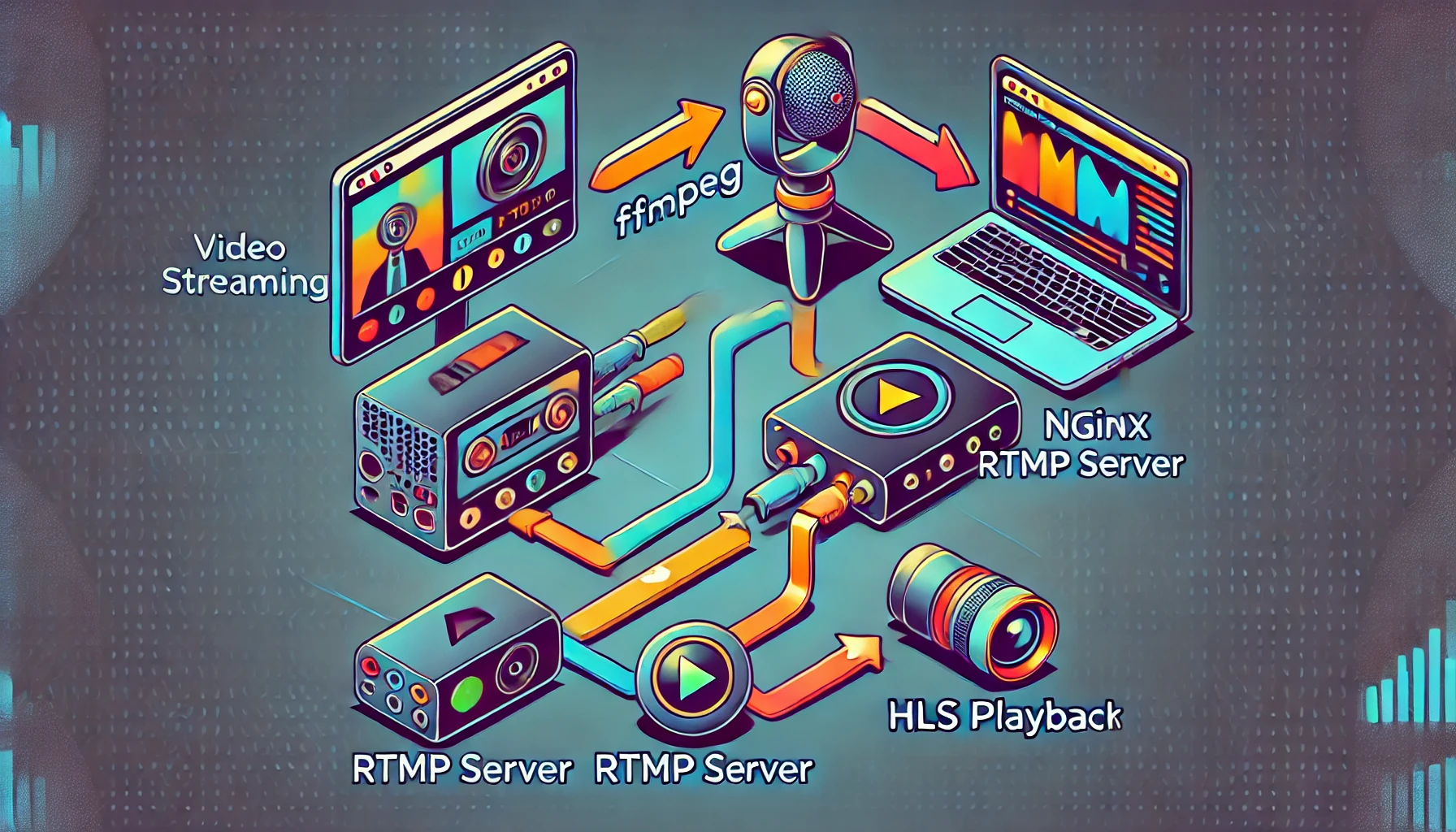
NGINX RTMP Module
The NGINX RTMP Module is a robust, NGINX-based media streaming server that simplifies live video streaming and playback. Designed for high performance, it supports RTMP and HLS protocols, making it a go-to solution for live streaming applications.
Explore the demo: Nginx RTMP module DEMO.

🚀 Why Choose NGINX RTMP Module?
- Streamlined Setup: Integrate live streaming directly into your existing NGINX server setup with minimal configuration.
- HLS Playback Support: Deliver your live streams with HLS for seamless playback across modern devices.
- Adaptability: Extend functionality using external tools like FFmpeg for tasks such as transcoding or overlay processing.
- Load Balancer Integration: Combine RTMP streaming with NGINX’s load balancing for efficient delivery at scale.
🛠️ How to Stream with FFmpeg on macOS
Test your streaming setup by capturing video and audio input from your macOS camera and microphone using FFmpeg:
ffmpeg -re -f avfoundation -framerate 30 -video_size 640x480 -i "0" -f avfoundation -i ":0" \
-c:v libx264 -vf format=uyvy422 -b:v 4000k -bufsize 8000k -maxrate 4000k -g 30 \
-c:a aac -b:a 192k -ar 48000 -af "equalizer=f=1000:t=q:w=1:g=5,loudnorm" \
-f flv 'rtmp://localhost:1935/live/mychannel3'
In this example:
- Video & Audio Input: Captures from camera and microphone.
- Video Encoding: Uses
libx264codec with 4000k bitrate. - Audio Processing: Applies an equalizer filter and loudness normalization.
- Output Format: Streams to the RTMP endpoint.
📺 Enable HLS Playback
HLS playback allows you to stream live video in a format compatible with modern browsers and devices. Use HLS playback scripts to test your setup.
HLS playback script:
<!DOCTYPE html>
<html lang="en">
<head>
    <meta charset="UTF-8">
    <meta name="viewport" content="width=device-width, initial-scale=1.0">
    <title>HLS Stream</title>
    <script src="https://cdn.jsdelivr.net/npm/hls.js@latest"></script>
    <style>
        body {
            display: flex;
            justify-content: center;
            align-items: center;
            height: 100vh;
            background-color: #f0f0f0;
        }
        video {
            max-width: 100%;
            width: 800px; /* Set a width for the video */
        }
    </style>
</head>
<body>
<h1>HLS Live Stream</h1>
<video id="video" controls autoplay></video>
<script>
    var video = document.getElementById('video');
    var videoSrc = 'http://localhost/hls/mystream/index.m3u8';

    if (Hls.isSupported()) {
        var index = new Hls();
        index.loadSource(videoSrc);
        index.attachMedia(video);
        index.on(Hls.Events.MANIFEST_PARSED, function () {
            video.play();
        });
    } else if (video.canPlayType('application/vnd.apple.mpegurl')) {
        video.src = videoSrc; // Fallback for Safari
        video.addEventListener('loadedmetadata', function () {
            video.play();
        });
    }
</script>
</body>
</html>
🟢 Advantages
- Ease of Use: Quickly set up live streaming with minimal configuration.
- Flexible: Extend functionality by running executable files, such as FFmpeg, to enable additional features like transcoding or watermarking.
- Seamless Device Support: Combine RTMP input with HLS output for universal playback.
🔴 Limitations
- Limited Scripting Capability: The RTMP module itself has limited scripting options, but this can be mitigated by integrating external tools like FFmpeg.
🎯 Get Started Now
1. Clone the repository:
Clone the demo project and build the Docker image:
git clone https://github.com/harryosmar/nginx-rtmp
cd nginx-rtmp
docker build -t my-nginx-rtmp:v1 .
Run the Docker container with the required configuration:
docker rm -f nginx-rtmp && docker run -d --name nginx-rtmp \
-p 1935:1935 -p 80:80 -p 9001:9001 \
-v $(pwd)/nginx.conf:/etc/nginx/nginx.conf \
-v $(pwd)/tmp/hls:/tmp/hls \
-v $(pwd)/var/log:/var/log/nginx \
my-nginx-rtmp:v1
2. Stream with FFmpeg from Camera and Microphone
Stream live video and audio to the RTMP server:
ffmpeg -re -f avfoundation -framerate 30 -video_size 640x480 -i "0" -f avfoundation -i ":0" \
-c:v libx264 -vf format=uyvy422 -b:v 4000k -bufsize 8000k -maxrate 4000k -g 30 \
-c:a aac -b:a 192k -ar 48000 -af "equalizer=f=1000:t=q:w=1:g=5,loudnorm" \
-f flv 'rtmp://localhost:1935/live/mychannel'
3. Republish Stream from HLS to OSS RTMP
ffmpeg -i http://localhost/hls/mychannel/index.m3u8 -c:v copy -c:a copy \
-f flv "rtmp://anotherhost:1935/live/channel"
📄 Documentation
🌟 Final Thoughts
The NGINX RTMP Module is a game-changer for live streaming, offering a powerful and flexible solution. Coupled with tools like FFmpeg, you can achieve professional-grade streaming setups with minimal effort. Start building your live streaming platform today!